
AI Fusion GeneratorMerge Any Two Images with AI
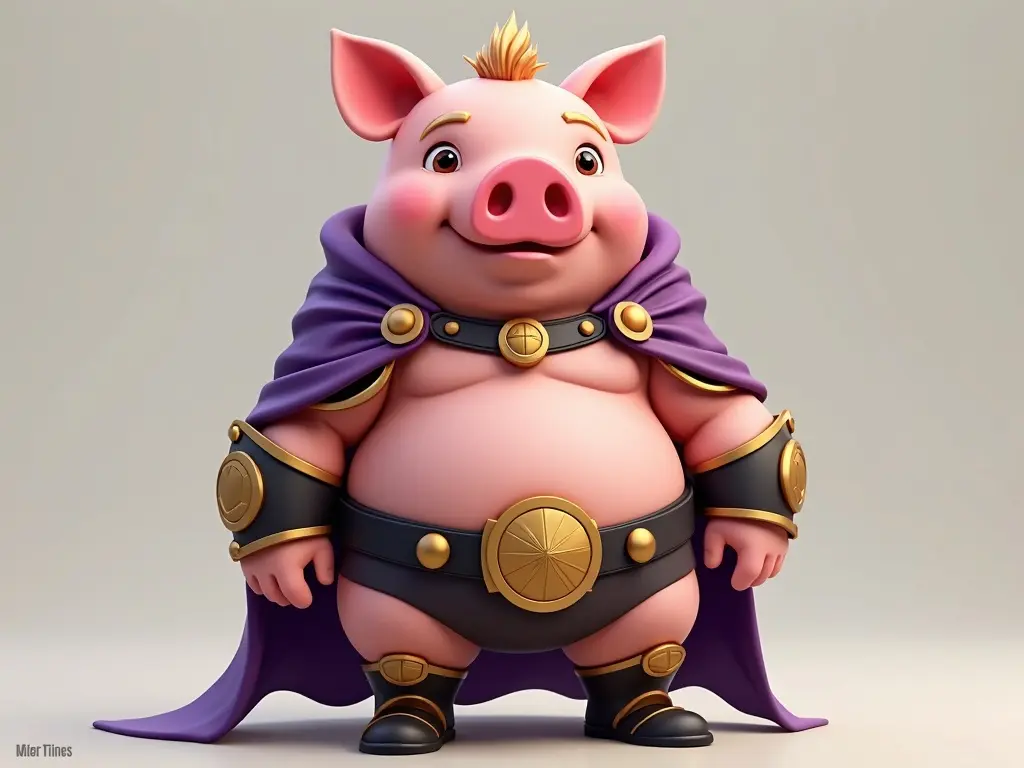
Advanced AI fusion technology to merge any two images. Supports photos, illustrations, and custom artwork. Pro downloads are clean HD; free results carry a small domain mark.
AI Fusion Studio
Upload two images, describe the fusion style, and create unique artwork instantly.
Upload Image A
Click or drag to upload
JPG, PNG, WebP (Max 5MB)
Upload Image B
Click or drag to upload
JPG, PNG, WebP (Max 5MB)
AI fusion tools are initializing...
Your Fusion Result Will Appear Here
Interactive tools loading...
About Our AI Fusion Generator
Our AI Fusion Generator uses advanced deep learning to analyze visual structure, colors, and features from two images and generate a seamless, high-quality fusion result. Unlike simple overlays, our technology understands style-aware blending.
Whether you are looking to create unique anime mashups, character variations, or experimental digital art, our AI image fusion tool provides the flexibility you need. Explore specialized tools for Dragon Ball, Pokemon, and more.
Why Choose Our AI Fusion
Example AI Fusions
Explore stunning examples created with our engine. From character combinations to creative artwork blends, see what is possible with just two clicks.
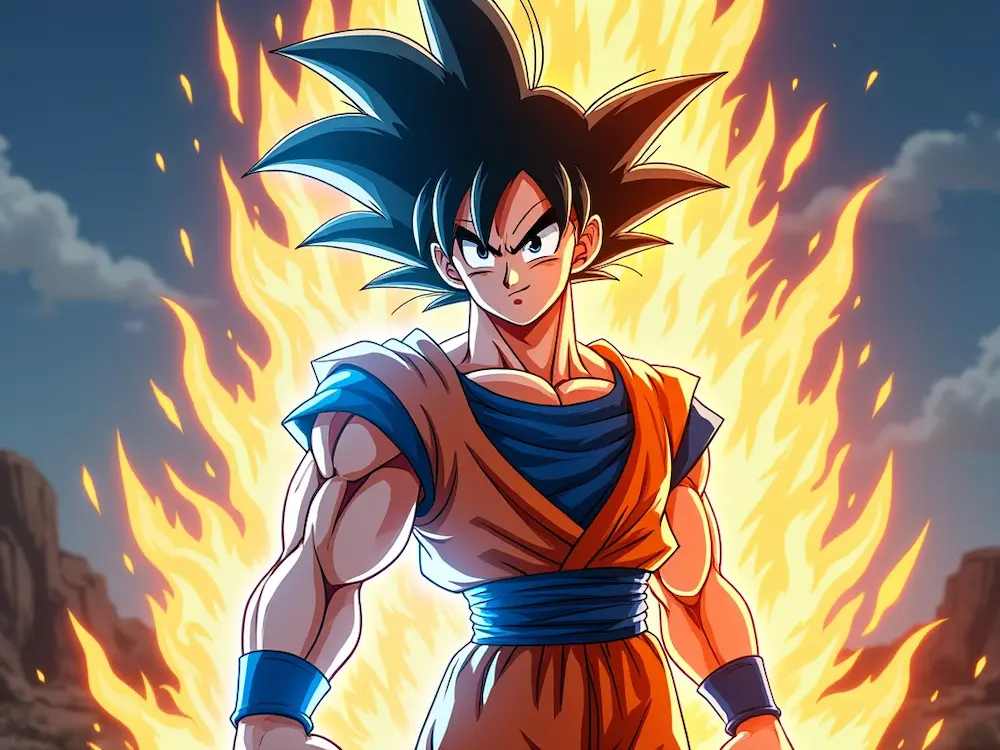
Goku x Vegeta
Dragon Ball Fusion
High-energy Saiyan fusion with balanced power
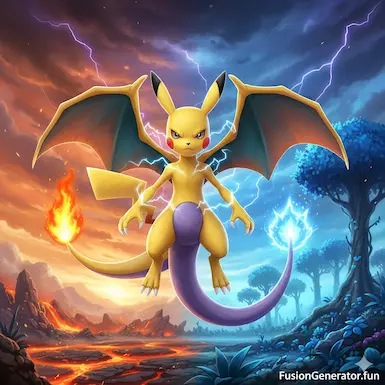
Pikachu x Charizard
Pokemon Fusion
Electric dragon hybrid with fire and lightning
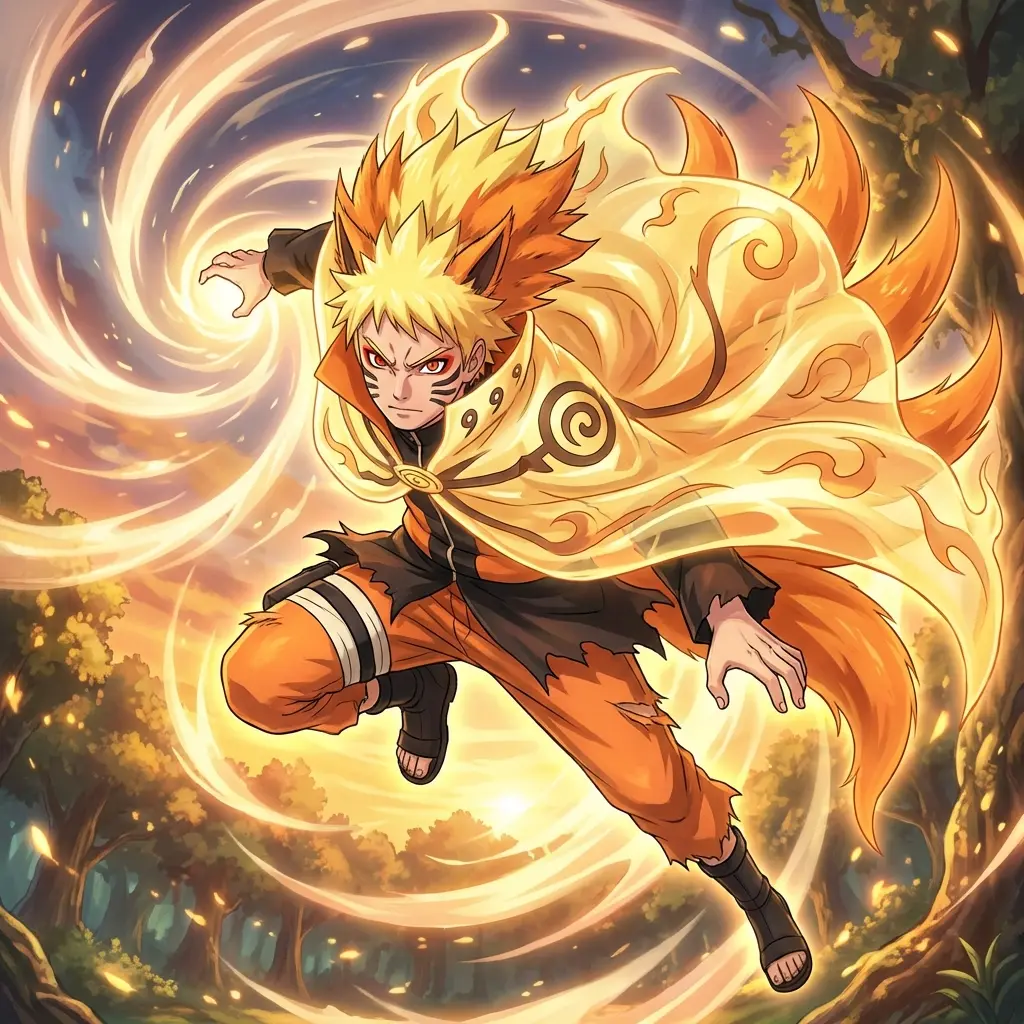
Naruto x Kurama
Anime Fusion
Sage Mode power awakening in human-beast hybrid form
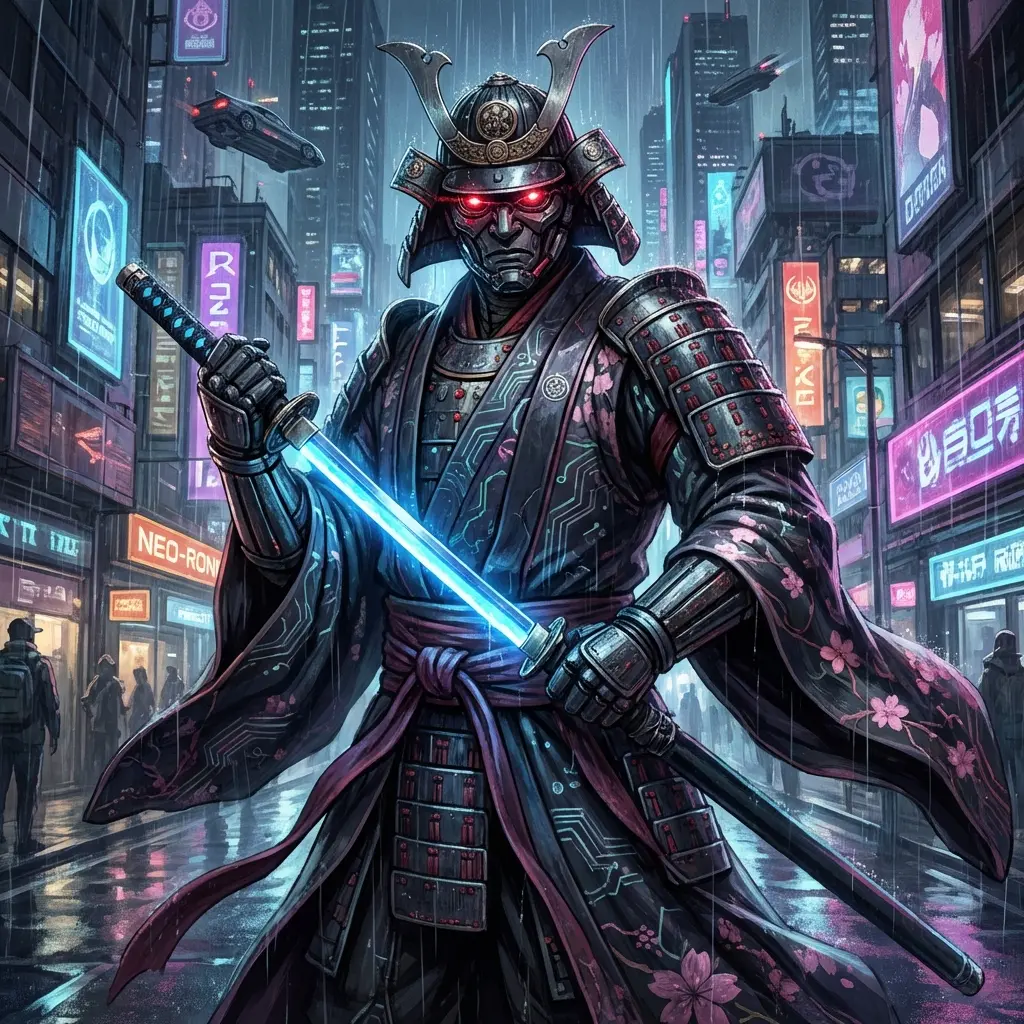
Cyborg x Samurai
Original Art Fusion
Futuristic warrior blending high-tech armor with traditional bushido
Frequently Asked Questions
Common questions about our AI-powered image fusion technology
- What types of images work best with the AI Fusion Generator?
High-resolution images with clear subjects work best. Avoid blurry or low-light images. For optimal results, try images with distinct characters or objects, so the AI can recognize and merge features effectively.
- Can I control the fusion style or result?
Yes! You can choose from multiple fusion styles such as Balanced, Artistic, or Realistic. Each style influences how the AI blends colors, textures, and features of the original images, giving you more creative control.
- Can I use the generated images for commercial projects?
You may use AI-generated images for personal or commercial projects, but please respect copyright laws if your input images include copyrighted characters. Consider creating original characters for unrestricted use.
- Is the AI Fusion Generator really free?
Yes, you can create AI fusions for free with basic features. Some advanced options and higher-resolution outputs may require a premium plan, which you can view on our Pricing page.
- How can I improve the fusion quality?
Use clear, high-quality images with similar art styles or lighting. Avoid overly complex backgrounds, and consider cropping images to focus on key subjects. Experiment with different fusion styles for the best effect.
- Can I fuse more than two images?
Currently, our generator works best with two images at a time. For multiple images, you can merge them sequentially: create one fusion, then merge it with another image to achieve multi-source combinations.
- Is there a way to generate images with transparent backgrounds?
Yes, our AI supports transparent backgrounds for certain output formats. Choose the 'Transparent' option when generating the fusion to remove the background automatically.